AI Meeting Notetaker
 HappyScribe
Problem
Low retention rates, combined with unpredictable B2C traffic, were putting significant revenue at risk. Users were happy with the product, but after transcribing a few files and achieving their goals, they left.
Solution
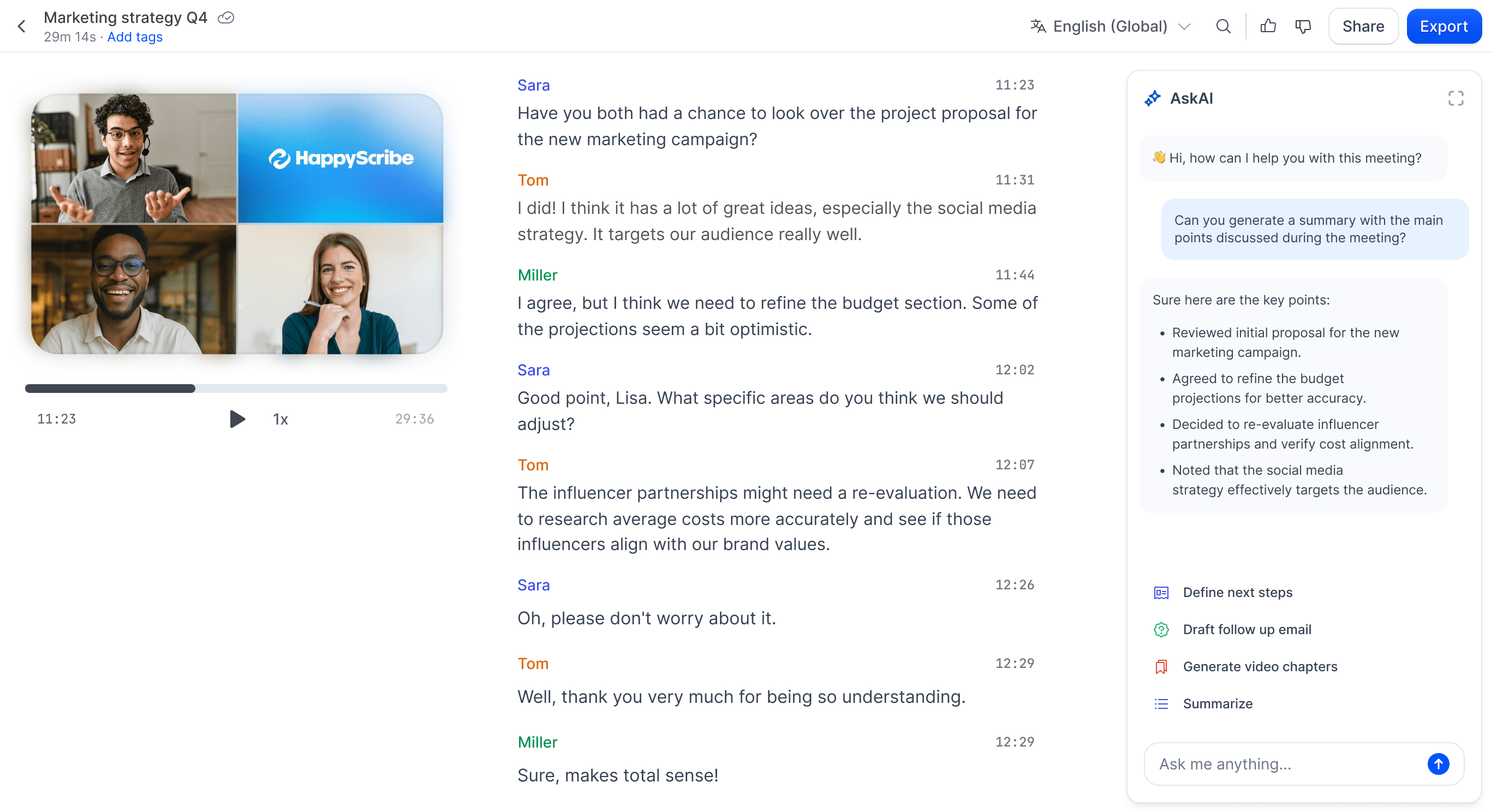
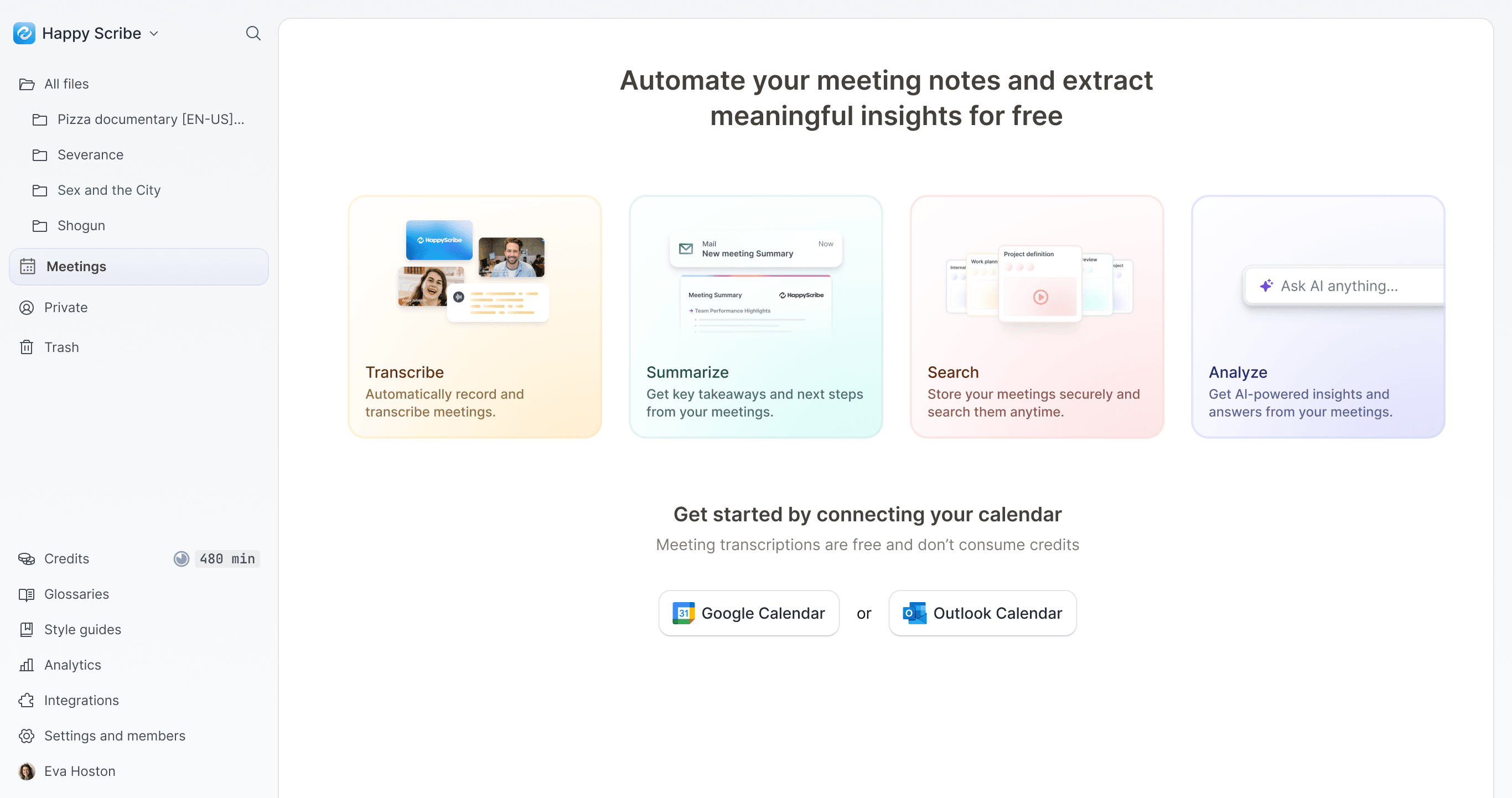
An AI-powered notetaker that records and transcribes recurring events such as meetings, then helps users create follow-up tasks, draft emails, and more. This gives users a reason to return regularly.
Result
The retention rate increased by around 3% across a user base of thousands. Notetaker users were more engaged and used the product up to five times as much as users who didn't use the feature.
My Role
Senior Product Designer
Team
Ignasi Buch
Lead Product Manager
Oriol Collel
Senior Software Engineer
Eli Green
Senior Software Engineer
Bernat F.
Senior Software Engineer
Marce Coll
Senior Software Engineer
Problem
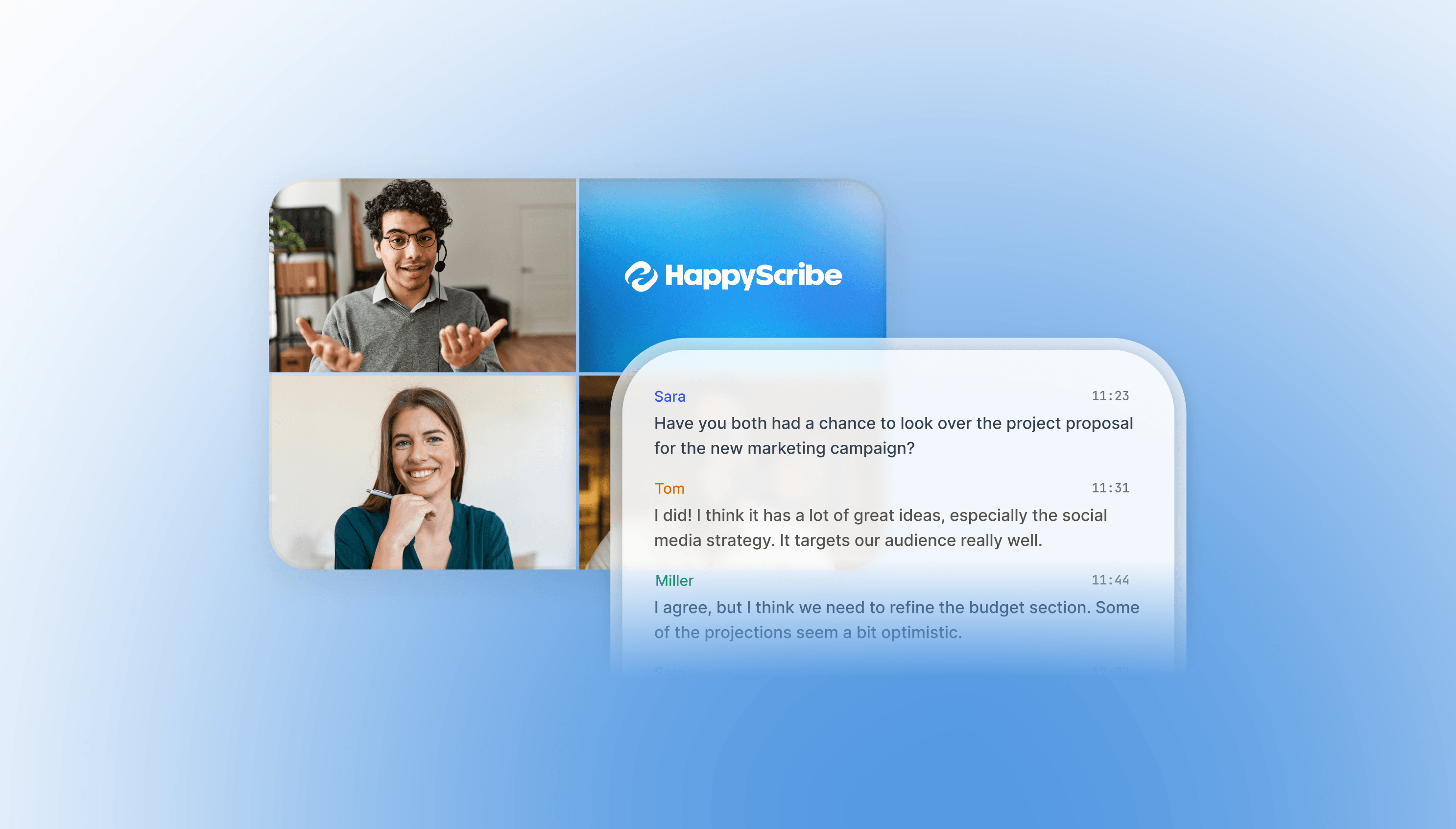
HappyScribe offers transcription and subtitling services. Users upload an audio or video file and receive a transcript or a video with synchronized subtitles. Although the product served both B2C and B2B users, usage was becoming increasingly transactional.
Users were happy with the results, but once they achieved their goals, they left. This made it difficult to retain users and sustain subscriptions. We needed to deliver ongoing value to increase retention and revenue.
Research
We interviewed 20 users across different industries and roles. After the first five interviews, we identified common pain points and opportunities. We stayed in touch with users throughout the project to keep our understanding of their needs up to date.
We identified five common problems:
- Preparing for a meeting — Users spend time reviewing previous topics and gathering relevant information.
- Taking notes during a meeting — Users capture key points and action items, which takes their attention away from the discussion.
- Following up after a meeting — Users spend time creating tasks, drafting emails, and preparing other documents.
- Creating content — Users need to turn meeting information into presentations, reports, or other materials.
- Recording offline conversations — Users have to record conversations, upload the files to the platform, and process them manually.
Profiles
We grouped these users into four profiles based on their use cases:
- Backup — Users who want to save meeting recordings for future reference or to share with others, without a specific task in mind.
- Operational — Users who need to revisit meetings, create summaries, update the CRM, or send follow-up emails.
- Content creation — Users who use recordings and transcripts to create videos, podcasts, quotes, or other media.
- Insights — Users who analyze recordings and transcripts to identify insights and create reports.
Opportunity
We saw a clear opportunity to help users optimize their workflows and save time. Our position in the market also supported this direction.
- Shared pain points — Across roles, users had meetings and tasks to complete before, during, and afterward.
- An underserved audience — Most of our users weren't familiar with the latest AI tools. Despite strong competition, we had an opportunity to make these tools accessible to them.
- Existing distribution — We already had thousands of users and a steady flow of new sign-ups.
- Technical foundations — We had expertise in accurate multilingual transcription and AI. The missing piece was an integration to record meetings.
Solution
Based on our user conversations, we defined a solution that:
- Supports recording and transcription across different meeting use cases.
- Removes the need to upload meeting recordings manually.
- Helps users turn meeting information into useful content and actions.
- Stores recordings in one place to build a knowledge base.
- Encourages users to return and engage with the product.
Result
We rolled out the solution in phases to address the different use cases.
- Record and transcribe meetings — We integrated with major online meeting platforms so users could record and transcribe meetings automatically, building a complete history of their conversations.
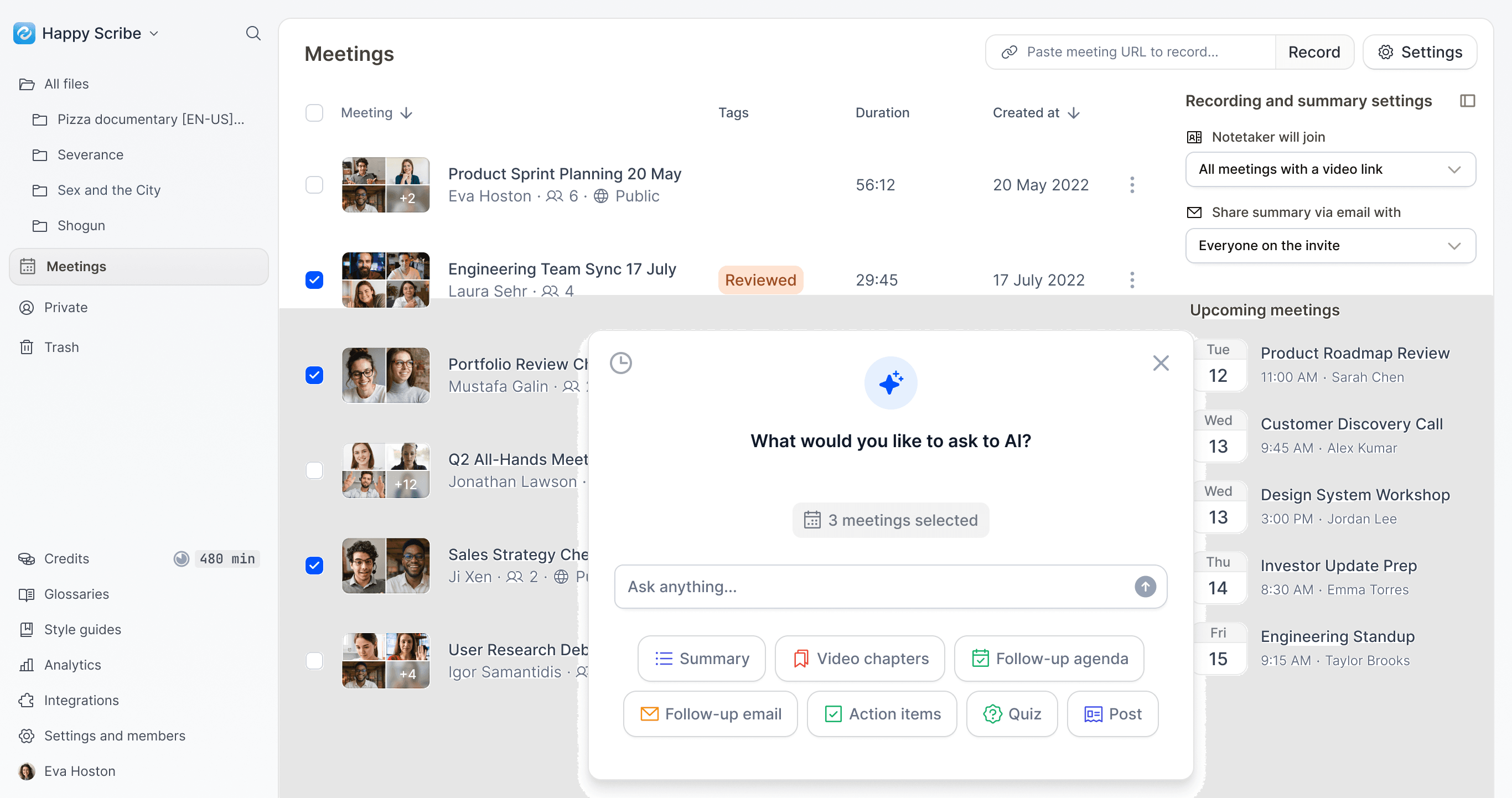
- New meetings hub — We introduced a new section for better meeting management, with settings for which meetings are recorded, visibility controls, multiple calendars, and more.
- AI tools — We added tools to create follow-up tasks, draft emails, and explore meeting content with an AI assistant. Users can select multiple meetings and ask questions such as 'Who mentioned a problem receiving emails?' or request a report of the main topics and next steps.
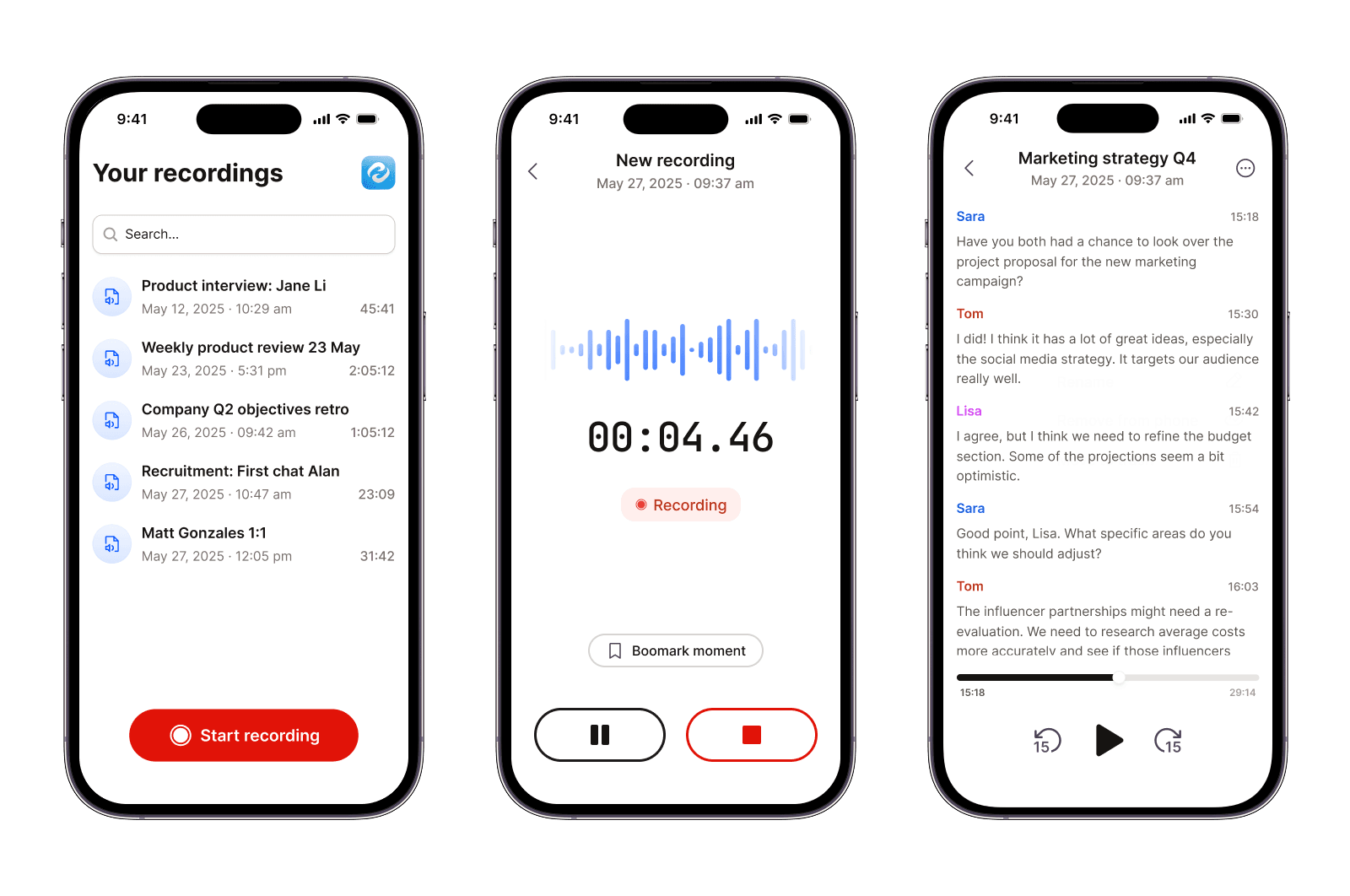
- Mobile app — For users on the go, we developed a mobile app that syncs with the desktop version.
- New pricing plans — We updated the plans with usage limits for the Notetaker feature, encouraging users who found ongoing value to subscribe rather than make one-off purchases.
Did we solve the problem?
Yes. The solution gave users a reason to return, reached them through our existing distribution, and paired ongoing value with subscription plans.
The retention rate increased by around 3% across a user base of thousands. Notetaker users were more engaged and used the product up to five times as much as users who didn't use the feature.